
About SmallStack
A minimal Django stack for building and deploying admin-style apps. Production-ready with SQLite, Docker, and zero-downtime Kamal deployment.
What's Included
Open fullscreen →Philosophy
- Use what Django gives you — before adding a package, check if Django already has it
- Keep it simple — add complexity only when needed
- Stay close to Django — conventions over invention
- Production-ready defaults — secure settings, proper static files, Docker support
dependencies = [
"django>=6.0",
"python-decouple>=3.8",
"pillow>=10.0",
"gunicorn>=21.0",
"whitenoise>=6.6",
"django-extensions>=3.2",
"django-debug-toolbar>=4.2",
"markdown>=3.5",
"pyyaml>=6.0",
"django-tasks-db>=0.2",
"django-htmx>=1.19",
]
Tech Stack
| Component | Choice |
|---|---|
| Framework | Django 6 |
| Frontend | Django admin theme & CSS with custom enhancements |
| Database | SQLite for dev and production; Postgres config included but optional |
| Tasks | django-tasks-db — no Redis or Celery |
| Package Manager | UV |
| Deployment | Docker with compose file or Kamal with Let's Encrypt. Your choice. |
Profile App
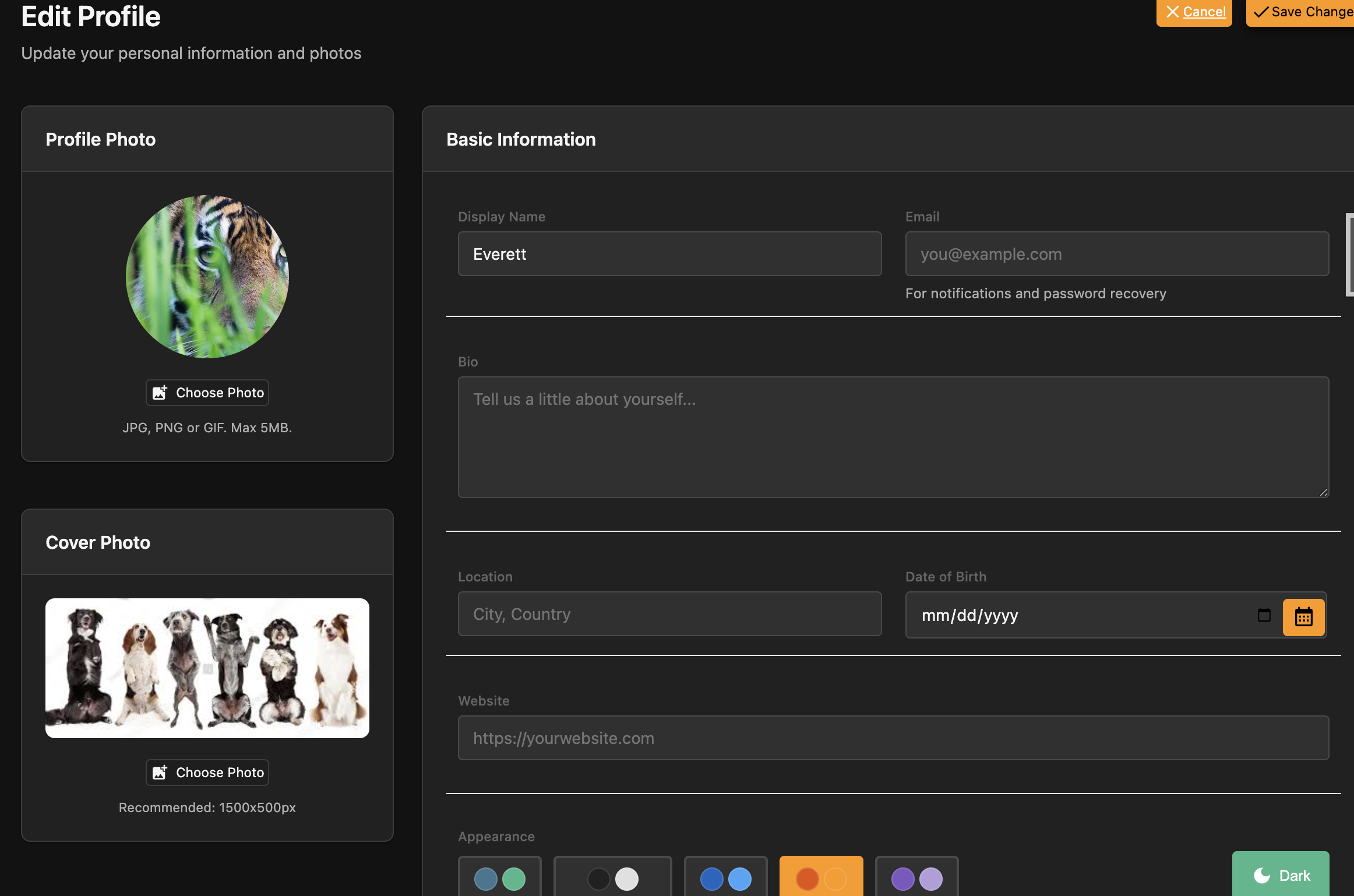
Complete user profile management, auto-created on signup.
- Photo & cover image uploads with Pillow
- Bio, location, website and display name
- Color palette preference saved per user
- Extend with your own fields — standard Django model
Activity Tracking
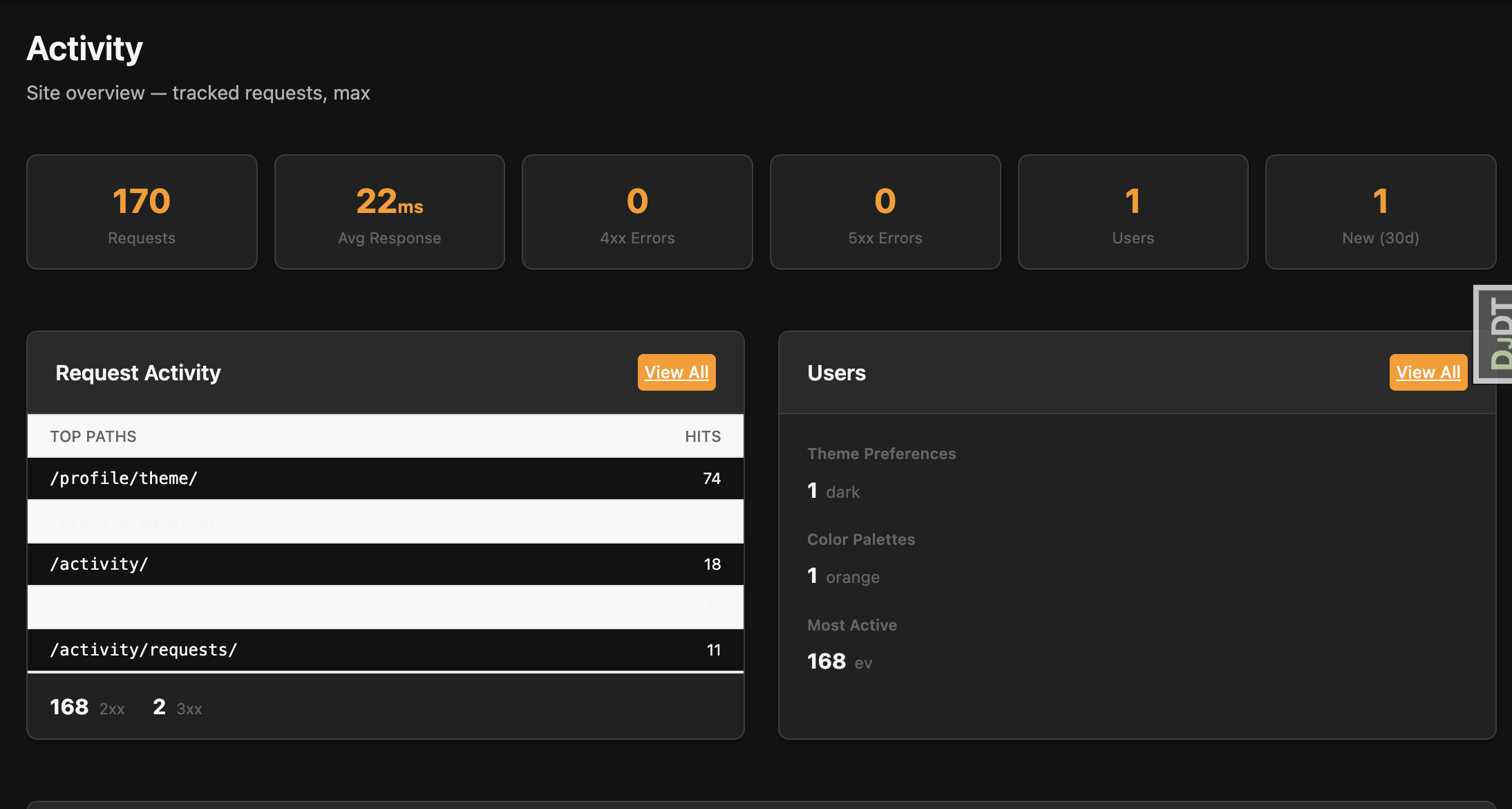
Zero-config request logging with a staff dashboard.
- Middleware-based — captures every request automatically
- Staff dashboard with stat cards and filterable log table
- Live refresh via htmx polling — no WebSockets
- Auto-pruning — configurable retention, background task cleanup
Theming
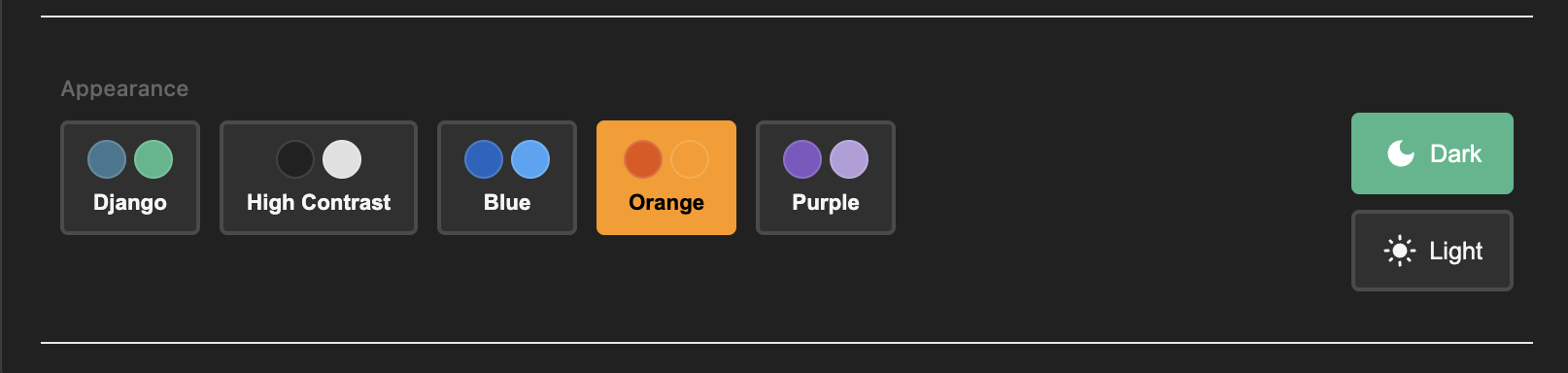
Light and dark modes with selectable color palettes.
- Dark mode toggle — user preference saved in localStorage
- 5 built-in palettes — Django, Contrast, Blue, Orange, Purple
- CSS custom properties for colors, spacing, shadows
- Built on Django admin's responsive CSS foundation
Authentication
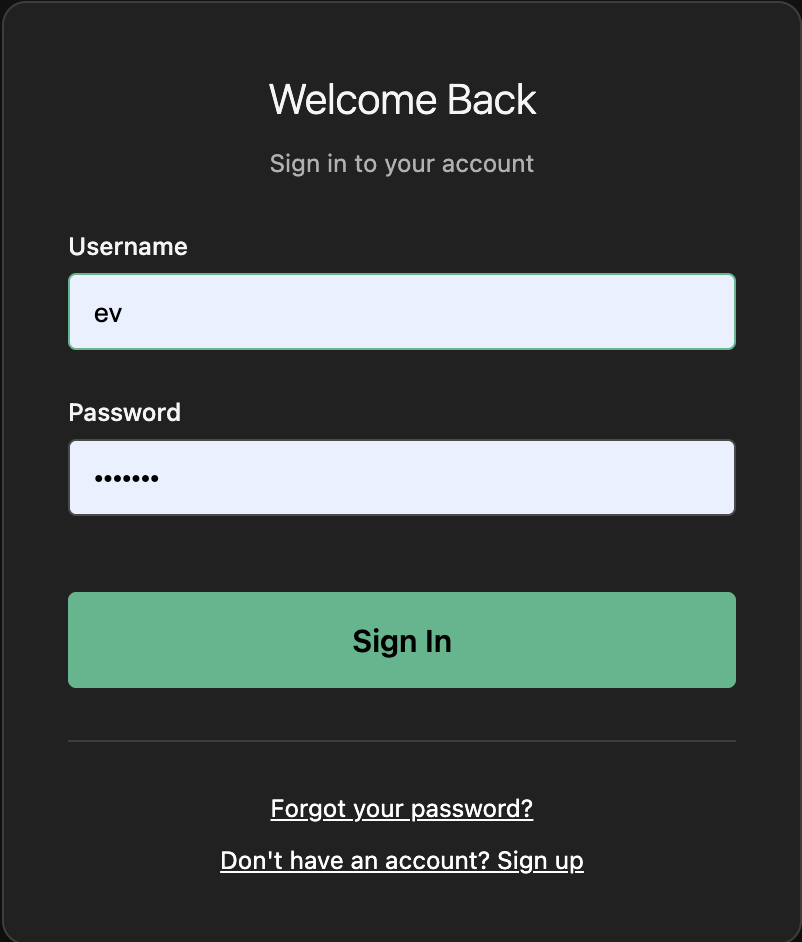
Built on Django's battle-tested contrib.auth — no third-party packages.
- Custom User model ready for email login
- Signup control — enable/disable registration with a setting
- Password reset via Django's built-in views and email
- Feature flags to toggle app sections on and off
Help System
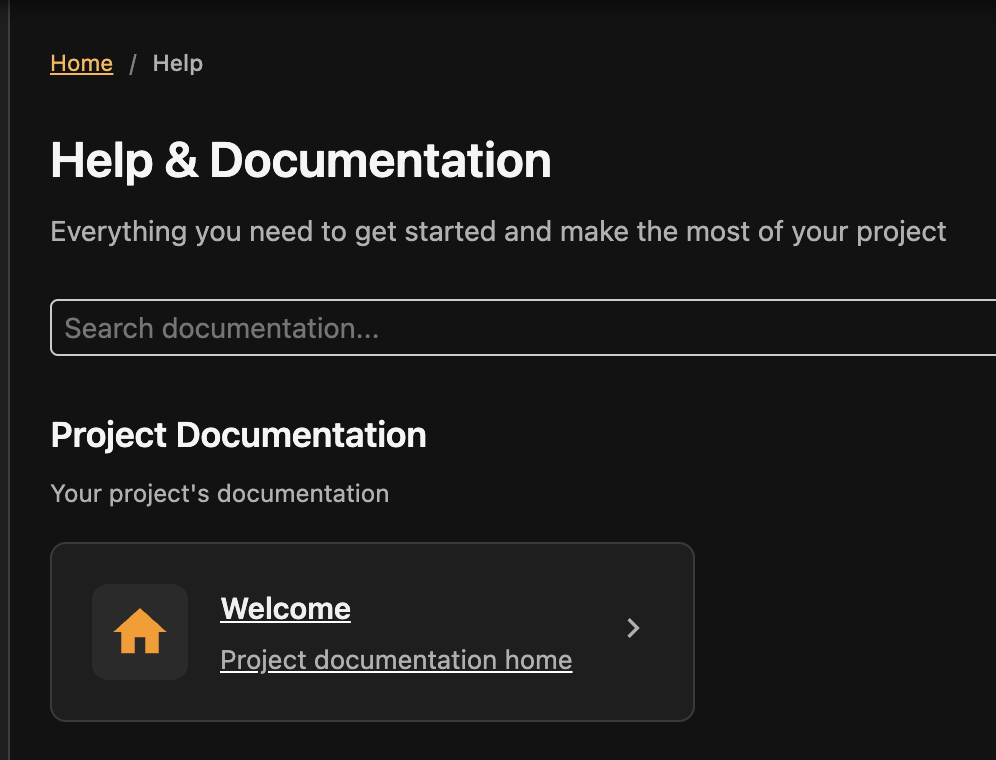
File-based documentation viewer — the system you're looking at right now.
- YAML-driven navigation with sections, icons, and ordering
- Markdown rendering with code blocks, tables, and TOC
- Full-text search with client-side indexing
- Slide viewer for focused presentations and walkthroughs
Background Tasks
Django 6's Tasks framework, pre-configured with a database backend.
- No Redis or Celery — uses
django-tasks-db - Background worker via
manage.py db_worker - Handles email, data processing, scheduled cleanup
- Docker & Kamal run the worker automatically; only local dev needs
manage.py db_worker
@task
def send_notification_email(user_email, message):
return send_mail(
subject="Notification",
message=message,
from_email=None,
recipient_list=[user_email],
)
# In your view — returns instantly
send_notification_email.enqueue(
user_email="user@example.com",
message="Hello!",
)
Docker & Deployment
Production-ready containers with zero-downtime deployment.
- Docker Compose with web, worker, and health checks
- Kamal — deploy to any VPS with
kamal deploy - Automatic HTTPS — Kamal provisions TLS via Let's Encrypt
- Typical deploy under 60 seconds including build, push, and health check
$ kamal deploy
Building image...
Pushing to registry...
Starting container...
Container is healthy!
Releasing the deploy lock...
Finished all in 38.4 seconds